Verify Your Email
After signing up, we send a 6-digit code to your email. You have 10 minutes to enter it. This step proves you own the email and helps us prevent spam.
What you'll see
You'll land on a clean verification page with a single input for the 6-digit code:
┌─────────────────────────────────────────────┐
│  MyCityDeal                                │
├─────────────────────────────────────────────┤
│                                             │
│   Check your inbox.                         │
│                                             │
│   Enter the 6-digit verification code       │
│   sent to priya@myrestaurant.in             │
│                                             │
│   [_][_][_][_][_][_]                        │
│                                             │
│   [Verify]                                  │
│                                             │
│   Resend code in 47s                        │
└─────────────────────────────────────────────┘
How to get the code
- Open your email inbox (the same email you used to sign up)
- Look for an email with subject
Your MyCityDeal verification code is: 482915 - Copy the 6-digit number from the subject or body
💡 Tip: If you have multiple email accounts, make sure you're checking the right one!
What if you don't see the email?
Try these in order:
- Check your Spam folder — sometimes legitimate emails end up there
- Wait 1-2 minutes — emails can be slightly delayed
- Click "Resend code" on the verify page (60-second cooldown between resends)
If you've tried all of the above and still don't see the email, see our Troubleshooting page for more help.
After you enter the code
Once you enter the correct code:
- We mark your email as verified in our database
- You're redirected to the login page (security best practice — we don't auto-login after signup)
- Log in with the same email + password you just used
- You land on your Restaurant Dashboard
Forgot Your Password?
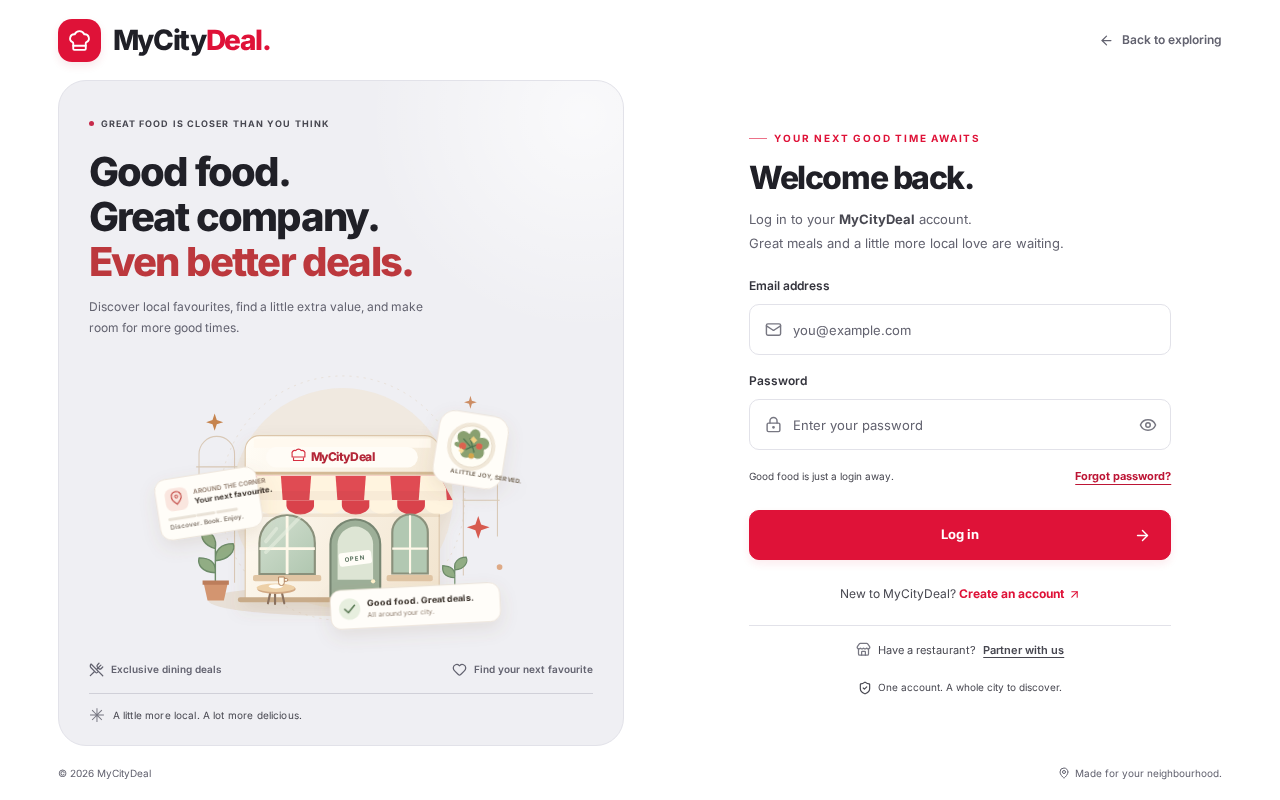
The same OTP mechanism is used for password recovery:
- Go to the Login page
- Click "Forgot password?" below the password field
- Enter your email
- Check your inbox for a 6-digit code
- Enter the code + your new password
- You're logged in with the new password
Next step
Once your email is verified and you're logged in, you'll land on your Restaurant Dashboard. Head to the next page to learn how to set up your restaurant profile.
Ready to grow your restaurant?
Join 50+ restaurants on MyCityDeal and start receiving bookings today.