Account & Security
This page covers your personal account (not the restaurant profile). Here you manage your login, notifications, and security settings.
The Settings Section
The sidebar has 3 sub-pages:
| View | URL | What it shows |
|---|---|---|
| Account | /dashboard/settings/account |
Your personal info |
| Notifications | /dashboard/settings/notifications |
Email + push preferences |
| Security | /dashboard/settings/security |
Password, 2FA, sessions |
Account Settings
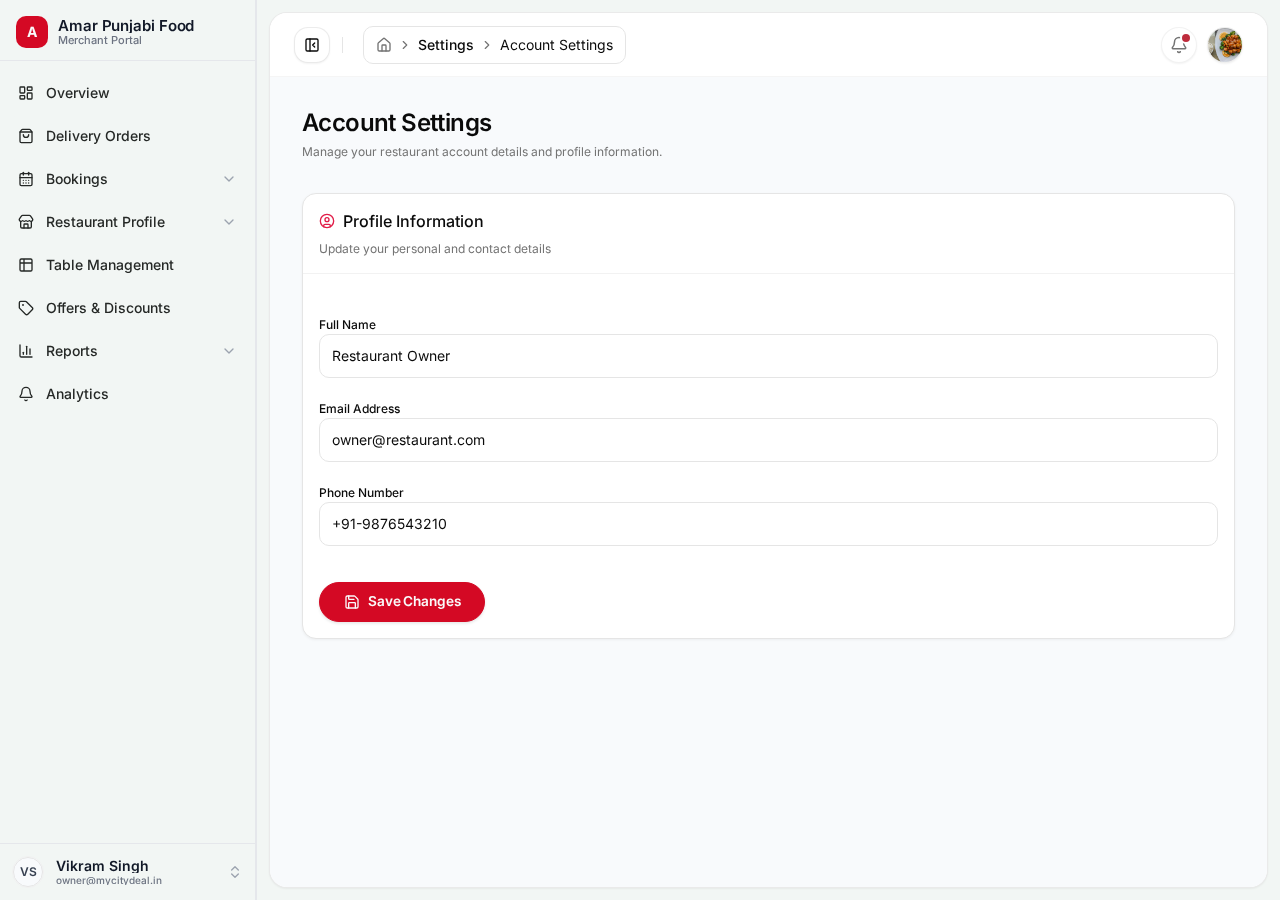
Your personal info — separate from your restaurant profile.
| Field | Editable | Notes |
|---|---|---|
| First name | Yes | |
| Last name | Yes | |
| Phone | Yes | |
| Avatar | Yes | Image upload |
| No | Contact support to change | |
| Date of birth | Yes |
Why Email is Locked
Your email is your unique identifier on MyCityDeal. Changing it could:
- Break your booking history
- Cause issues with customer notifications
- Require re-verification
If you really need to (e.g., company email change), contact support.
Notification Settings
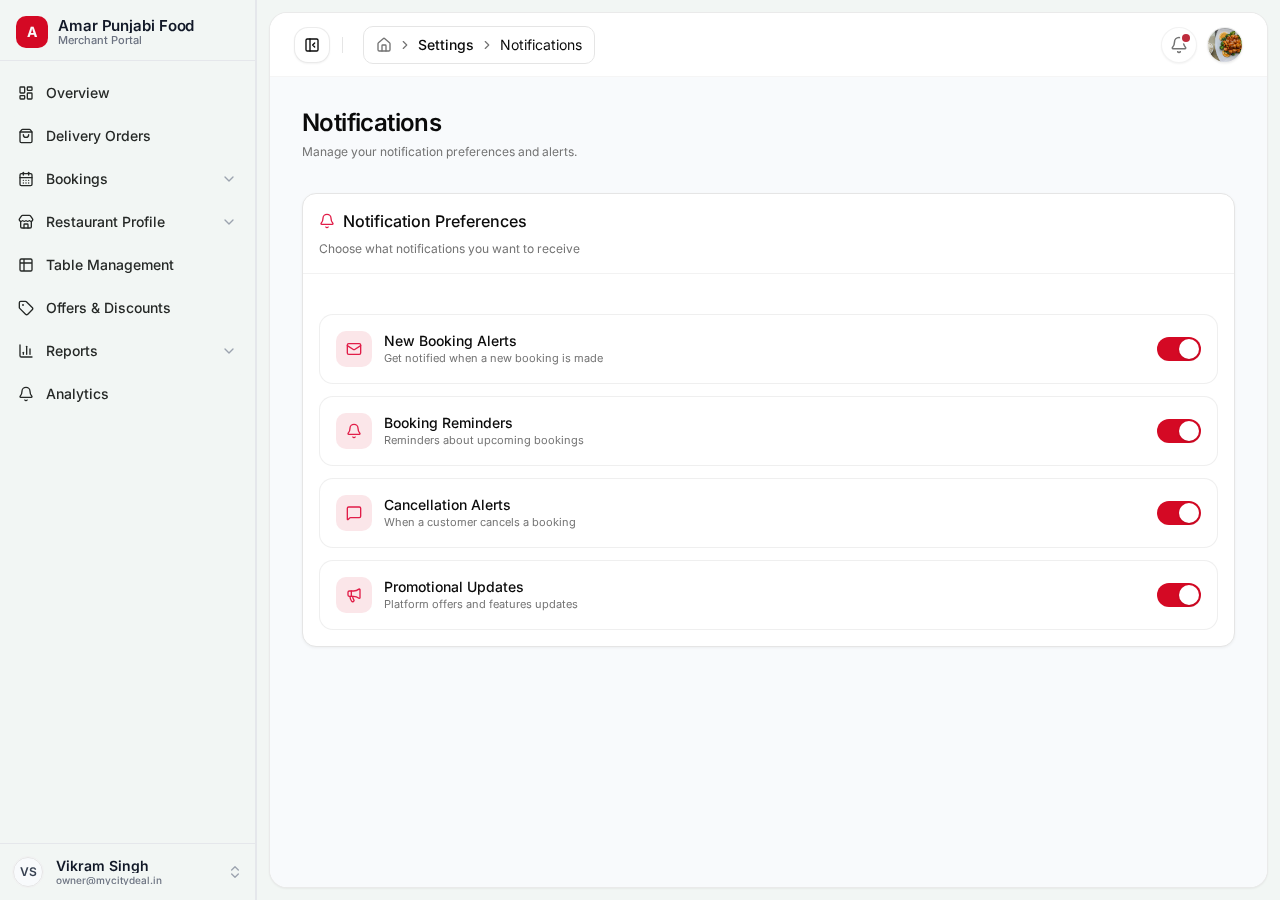
Choose which notifications you receive:
| Notification | Push | Can disable? | |
|---|---|---|---|
| New booking | ✓ | ✓ | No (critical) |
| Booking cancelled | ✓ | ✓ | No (critical) |
| Customer review | ✓ | - | Yes |
| Weekly summary | ✓ | - | Yes |
| Marketing tips | ✓ | - | Yes |
| New features | ✓ | - | Yes |
We don't allow disabling critical notifications (bookings, cancellations, security alerts) because missing them could cost you money or leave customers waiting.
Security Settings
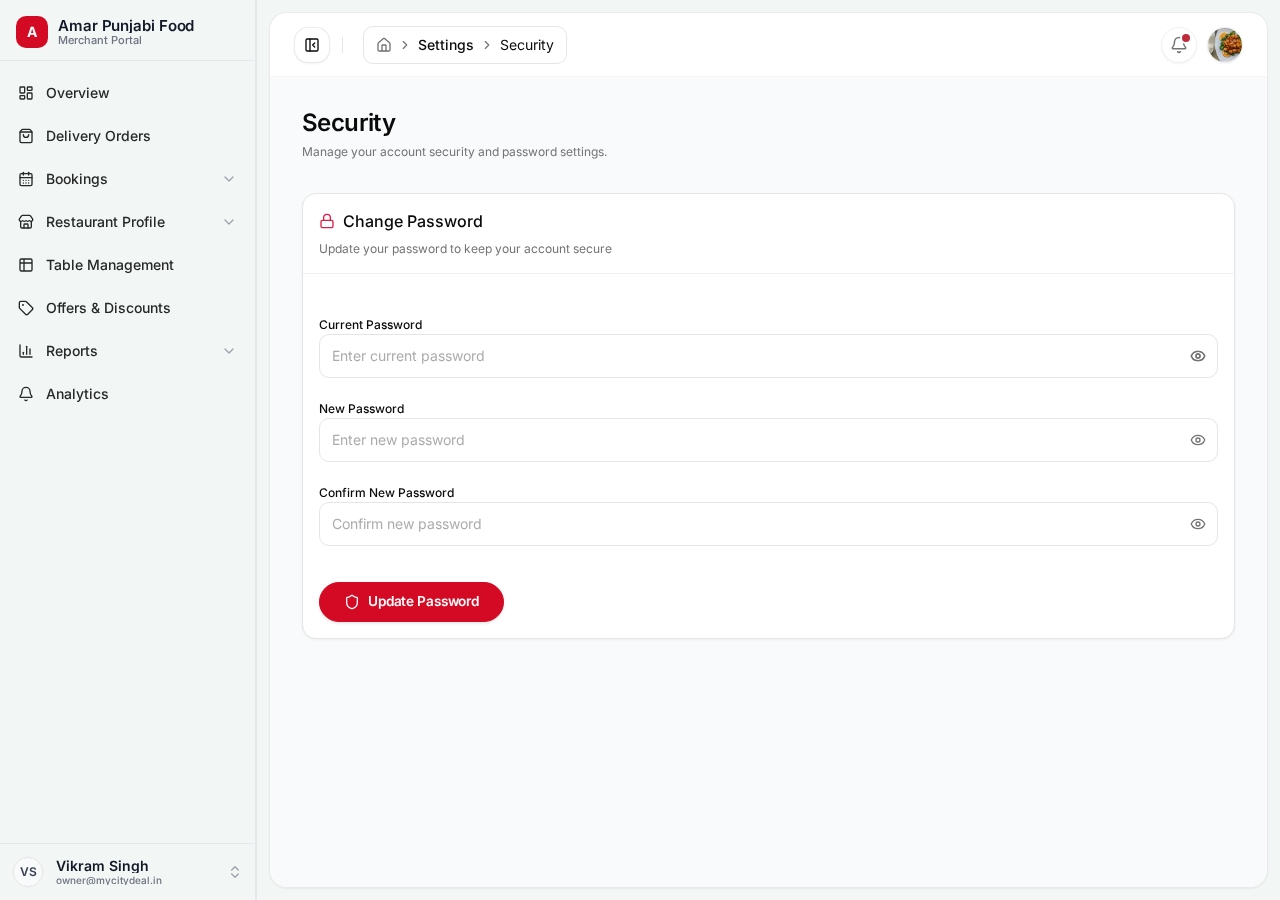
Change Password
- Enter your current password
- Enter your new password (min 8 characters)
- Confirm the new password
- Click "Change password"
You'll get a confirmation email.
Two-Factor Authentication (2FA)
Coming soon. Will add:
- SMS verification codes
- Authenticator app support
- Backup codes for account recovery
Active Sessions
See where you're logged in:
| Session | Device | Location | Last active | Action |
|---|---|---|---|---|
| Chrome on Mac | MacBook | Mumbai | Now | Current |
| Safari on iPhone | iPhone | Mumbai | 2 hours ago | Sign out |
| Firefox on Windows | Windows | Delhi | Yesterday | Sign out |
If you see an unknown session, sign it out and change your password.
Sign Out Everywhere
If you suspect your account is compromised:
- Go to Security settings
- Click "Sign out everywhere"
- All sessions end except your current one
- Change your password immediately
Password Best Practices
- ✅ Use at least 12 characters (longer is stronger)
- ✅ Mix uppercase, lowercase, numbers, symbols
- ✅ Use a password manager (1Password, Bitwarden, LastPass)
- ✅ Don't reuse passwords across sites
- ❌ Don't share your password with anyone — not even support staff
- ❌ Don't write your password on paper
What If I Lose Access?
- Forgot password: Use the "Forgot password" link on the login page
- Lost email access: Contact support with ID verification
- Account locked: After 5 failed login attempts, wait 15 minutes and try again
Next
You've reached the end of the Restaurant Partner Guide! Head to Help & Support if you have questions.
Ready to grow your restaurant?
Join 50+ restaurants on MyCityDeal and start receiving bookings today.