Reports
In addition to visual Analytics, MyCityDeal offers 4 downloadable reports in CSV/Excel format. Use these for accounting, audits, or external analysis.
The 4 Reports
| Report | URL | When to use |
|---|---|---|
| Bookings Report | /dashboard/reports/bookings |
Monthly accounting, dispute resolution |
| Customers Report | /dashboard/reports/customers |
Marketing lists, retention analysis |
| Menu Report | /dashboard/reports/menu |
Inventory planning, popular item analysis |
| Revenue Report | /dashboard/reports/revenue |
Tax filings, financial planning |
Bookings Report
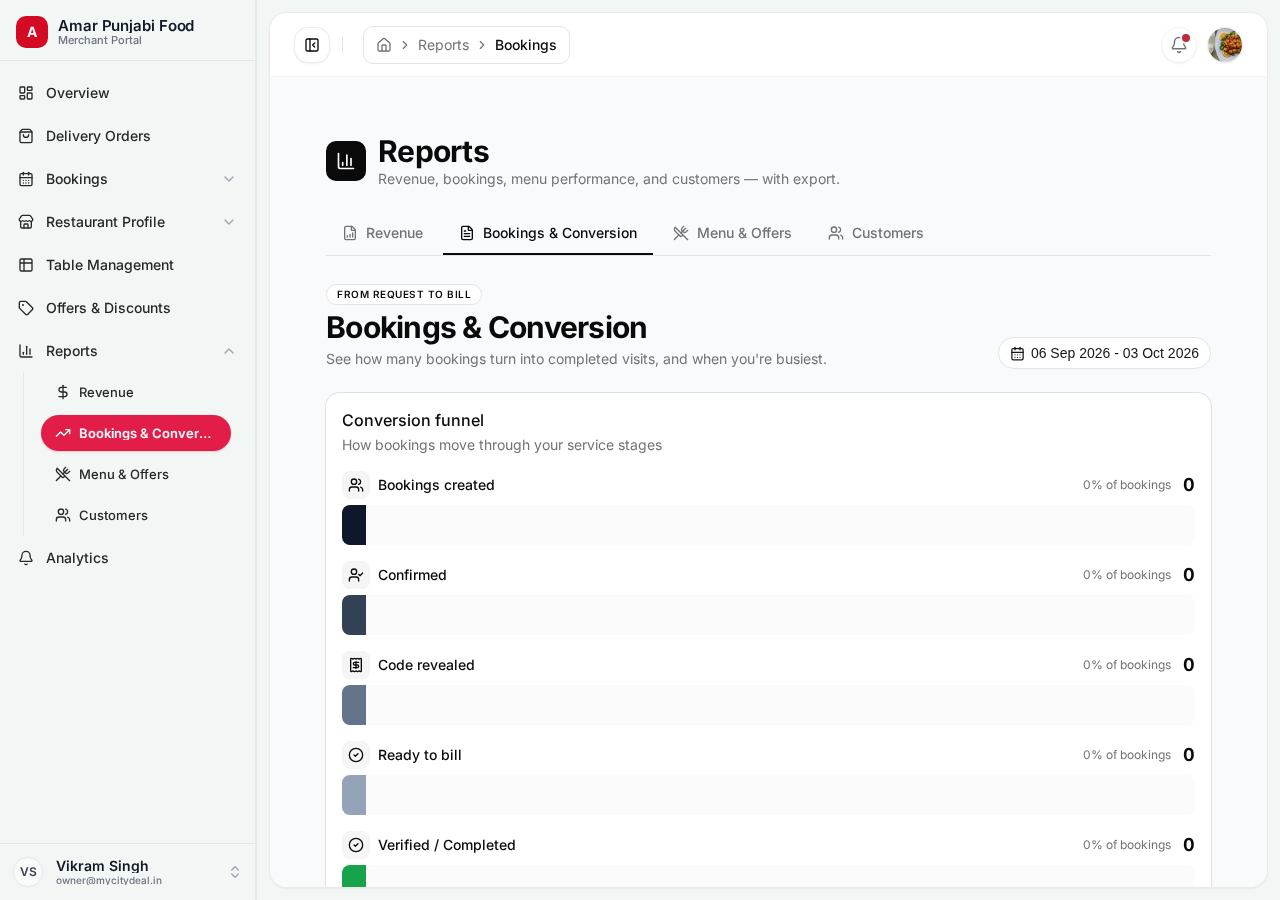
Exports every booking with details:
- Booking ID, date, time
- Customer name, phone, email
- Party size
- Status (completed/cancelled/etc.)
- Bill amount
- Commission amount
- Coupon used
How to export:
- Pick your date range
- Click "Download CSV"
- Open in Excel / Google Sheets
Use this monthly for accounting.
Customers Report
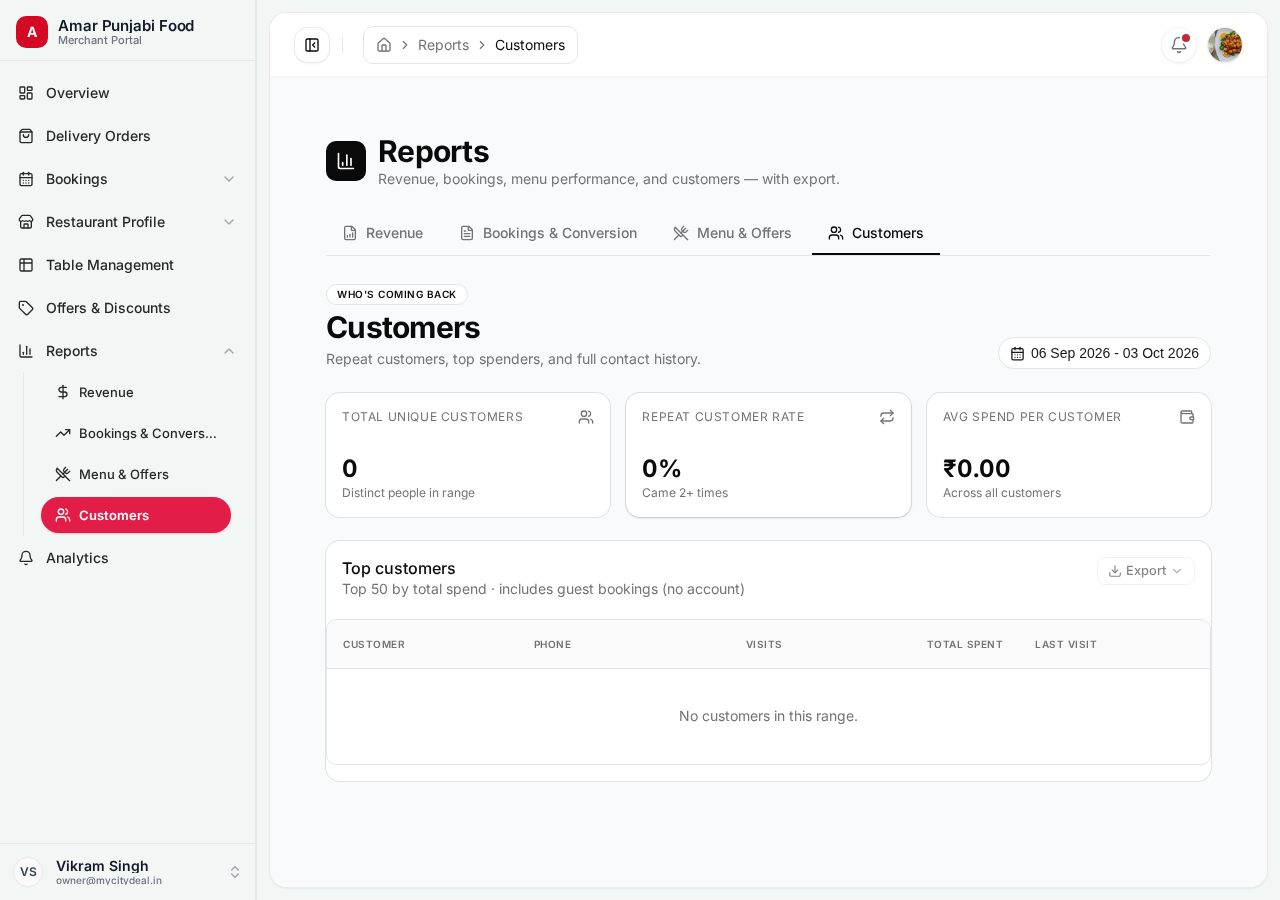
Exports your customer database:
- Customer name, phone, email
- First visit date
- Last visit date
- Total visits
- Total spend
- Average bill size
Use cases:
- Build a marketing list (export and email your loyal customers)
- Identify VIP customers (high spend)
- Find dormant customers (haven't visited in 6+ months)
Menu Report
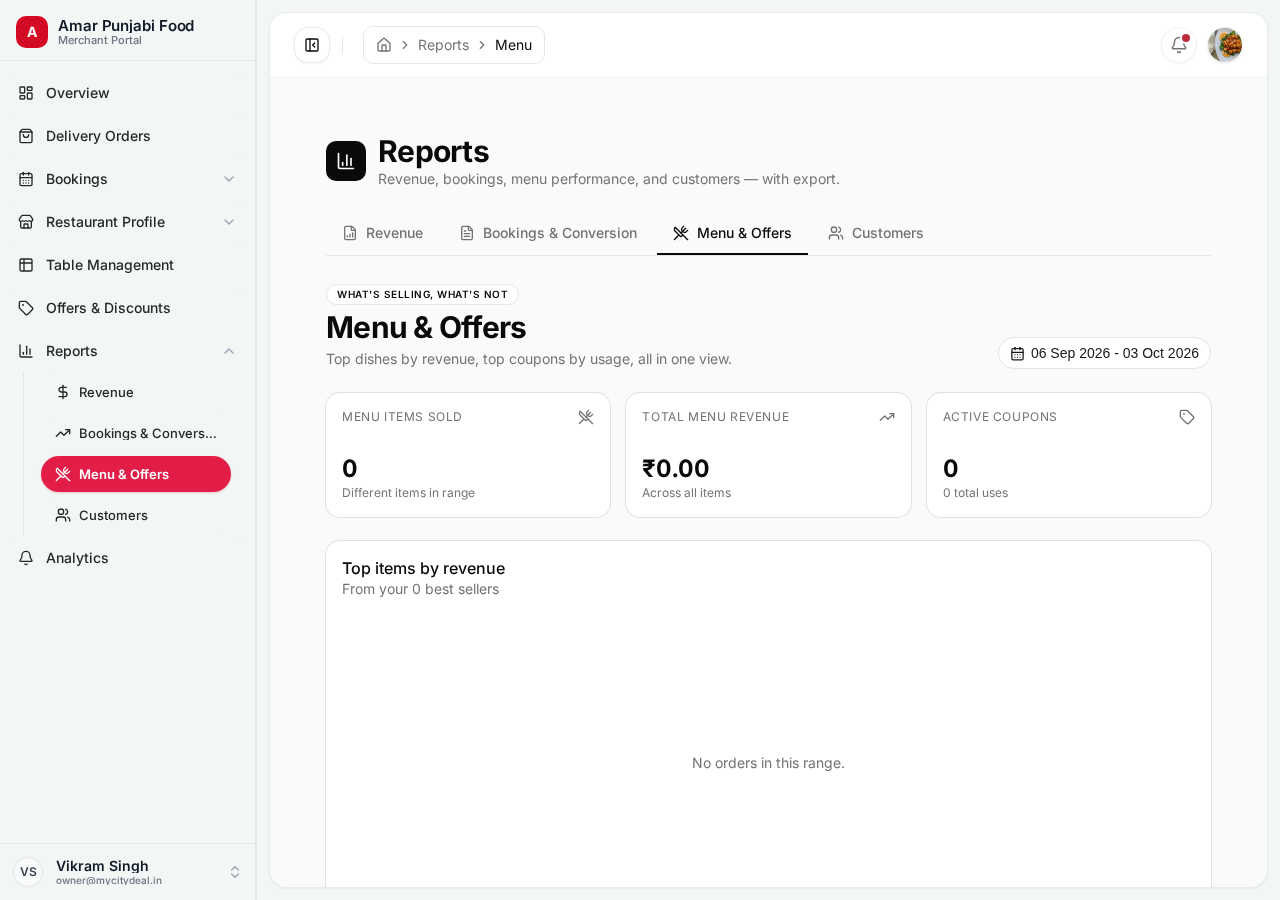
Exports menu performance data:
- Item name, category, price
- Total orders in period
- Total revenue per item
- Average rating (if reviewed)
Use cases:
- Identify your best-sellers
- Find items that aren't selling (consider removing)
- Plan inventory (stock more of popular dishes)
Revenue Report
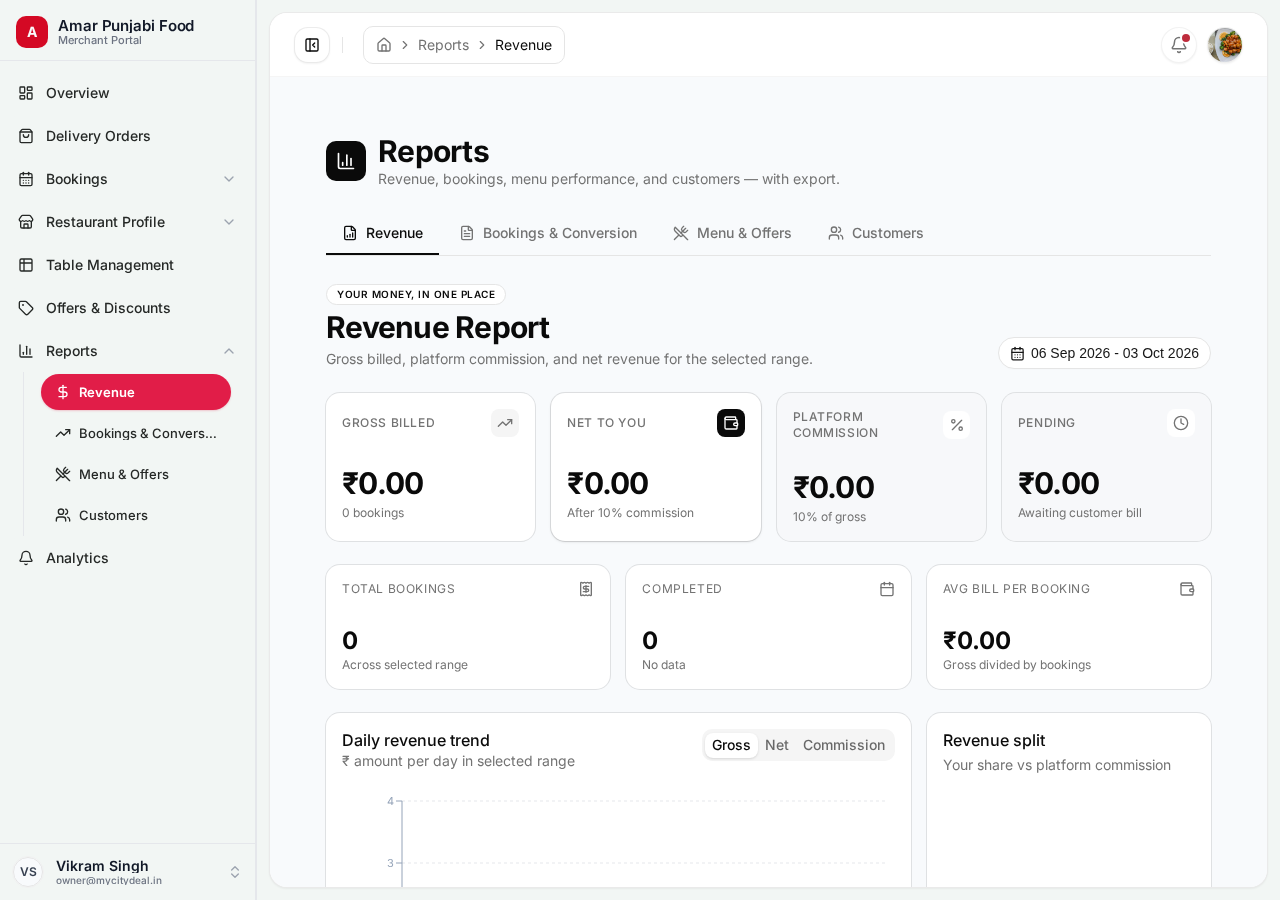
Exports detailed financial data:
- Daily revenue breakdown
- Commission paid
- Refunds processed
- Net earnings
Use cases:
- Tax filings (quarterly GST, annual ITR)
- Show to your accountant
- Track profitability
How Reports Differ from Analytics
| Feature | Analytics | Reports |
|---|---|---|
| Format | Visual charts | CSV/Excel |
| Interactivity | Filter, drill down | Static export |
| Best for | Insights, trends | External analysis |
| Update frequency | Real-time | Live |
Use Analytics for quick visual insights, Reports for deep analysis and sharing.
Tips
- ✅ Export monthly reports and archive them
- ✅ Use the Customers Report to identify your VIPs
- ✅ Cross-reference with your POS data
- ❌ Don't edit the CSV directly — always work from a fresh export
Next
Head to Billing & Commission to understand how MyCityDeal makes money.
Ready to grow your restaurant?
Join 50+ restaurants on MyCityDeal and start receiving bookings today.